Getting started: buy a plan, you are the team admin
From the pricing page to a working team in four steps.
Choose seats
Pay by card
You are admin
Invite people
Install, pair
Mera BIM is sold to businesses by the device. A seat licenses one device, and one person may use up to two devices, each using a seat.
1. Buy a team plan
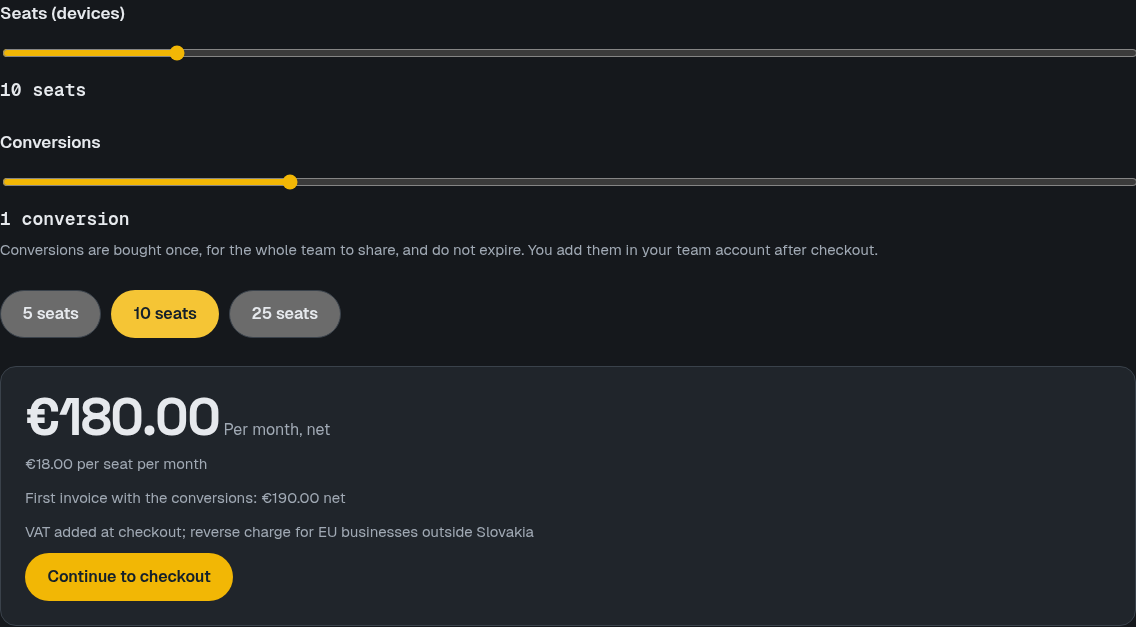
Open the pricing page, choose the number of seats and the conversions you want, and see the monthly price and the first invoice with the conversions before you buy. Then continue to checkout.
You pay by card through Stripe. The secure checkout asks for your company name, VAT ID and billing address.
2. You are the team admin
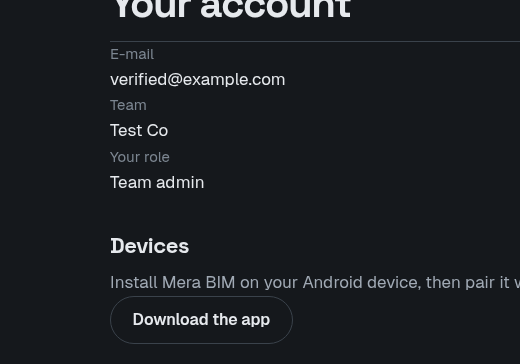
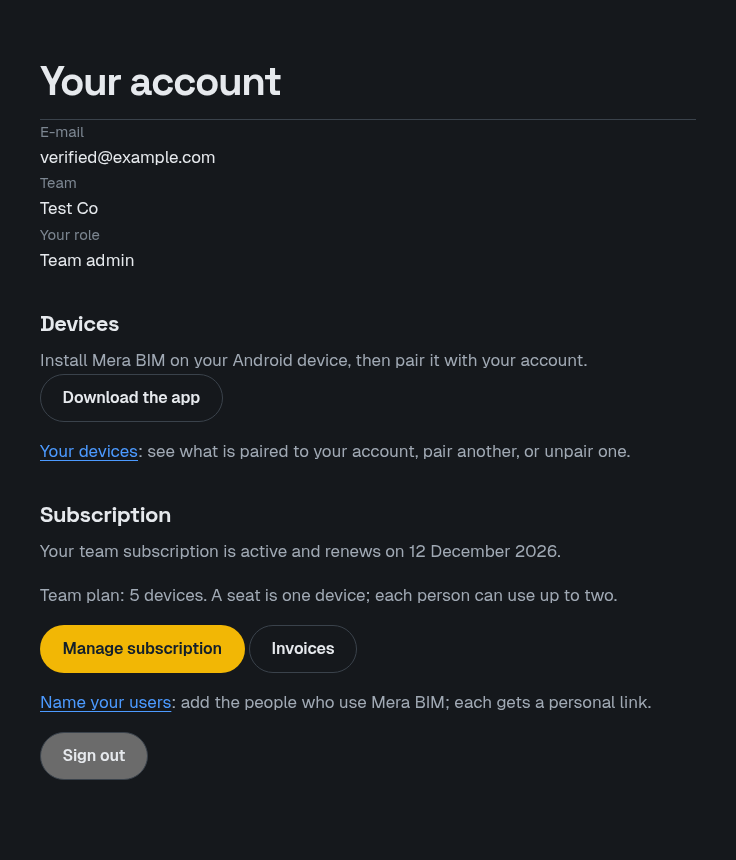
The person who buys becomes the team admin. Your account page shows your team and your role, and the subscription section is yours to manage.
3. Name your people
Open Your team in your account and enter the e-mail of each person who needs a device. Each gets a personal link by e-mail, valid 14 days. No app is needed for this step.
4. They install and pair
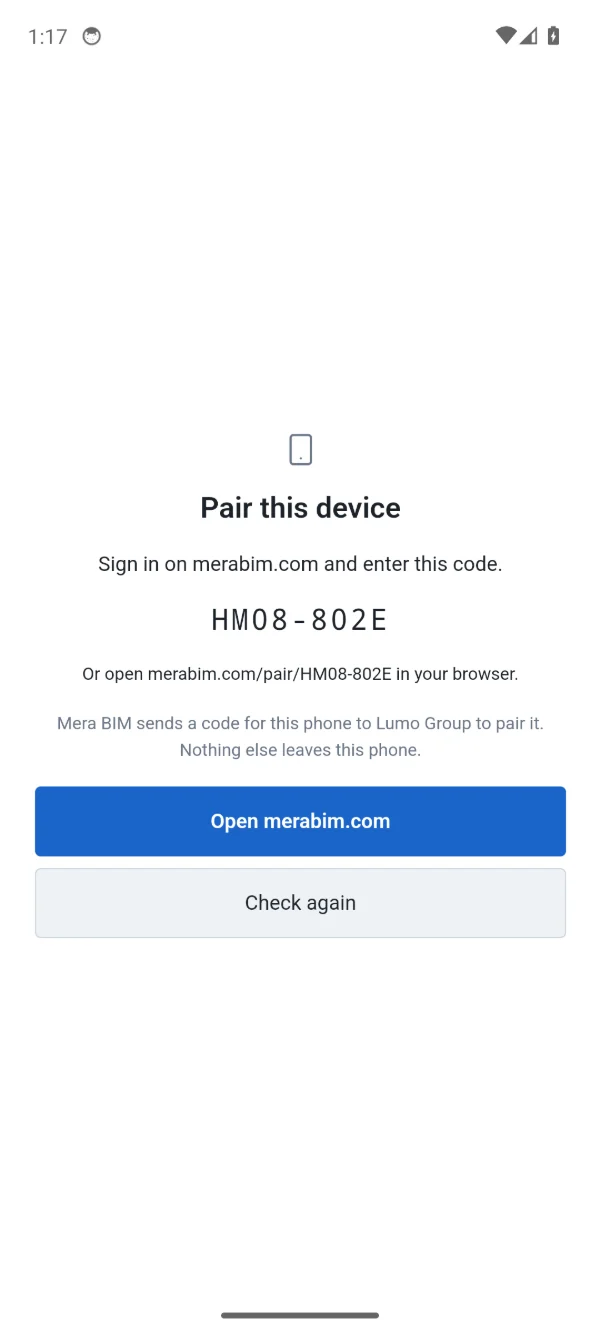
Each person installs the app from the download page, opens it, and confirms the code it shows while signed in with their own account. From then on the device works fully offline.