Seats: invite people, free up and hand over seats
How the team admin manages who has a device.
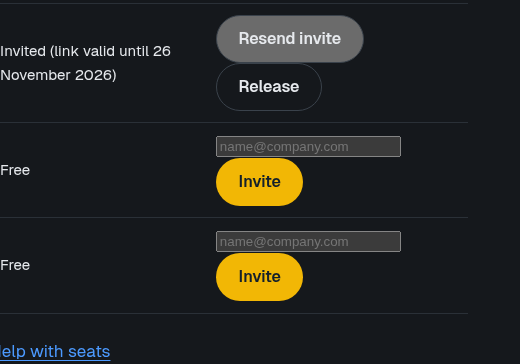
Enter e-mail
Get link
Release seat
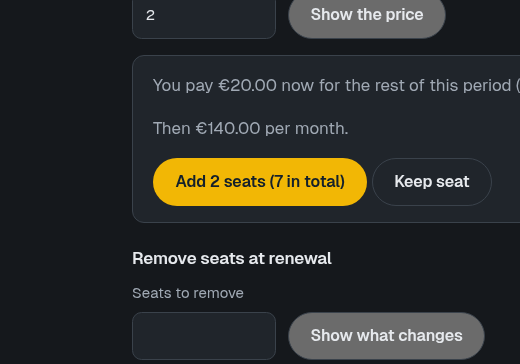
Add seats
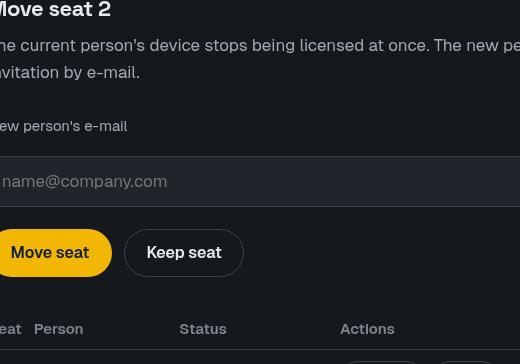
Move seat
A seat is one device. Each person can hold up to two seats (devices). The team admin manages seats in the account, under Your team.
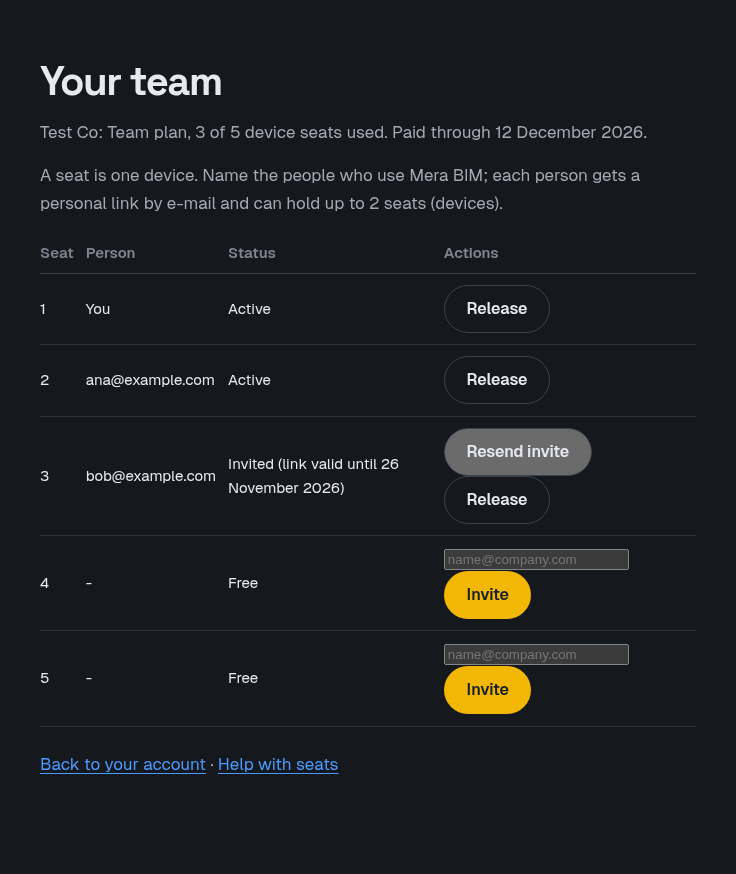
Invite a person
In a free seat, enter the person's e-mail and choose Invite. The invitation link is valid for 14 days; the table shows the date. If it was not used, choose Resend invite.
Free up a seat when someone leaves
Choose Release on the seat and confirm. For an invitation not yet used, the invitation stops working. For a person already using the seat, they keep access until the end of the paid period, then Mera BIM locks on that device and the seat becomes free for someone else.
Add or remove seats
Under Seats, enter how many seats to add and choose Show the price. Stripe's preview shows what you pay now and what you pay per month afterwards; nothing changes until you confirm.
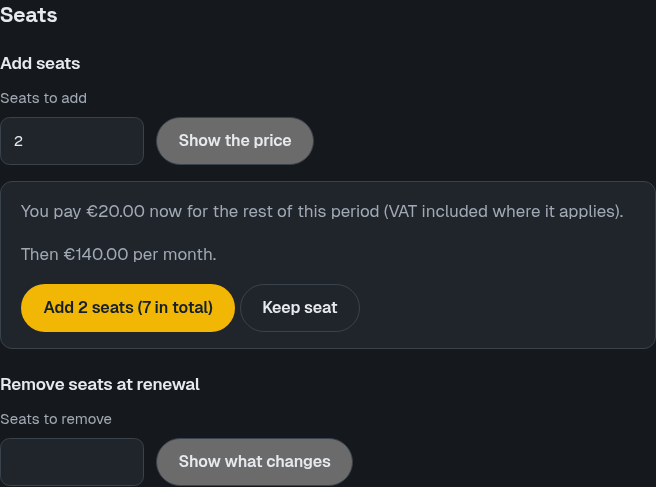
Added seats are charged pro rata for the rest of the paid month at once, and they work when that payment succeeds. Removing seats takes effect at the next renewal: you choose which seats end, and they keep working until then.
Move a seat to another person
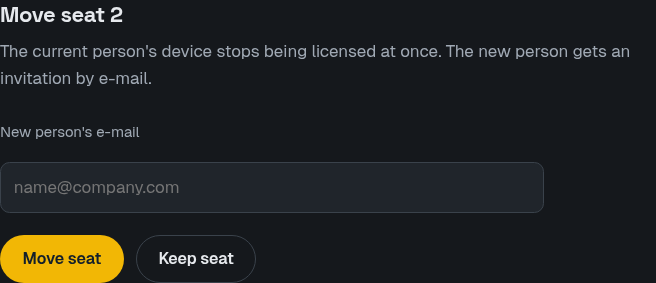
The current person's device stops being licensed at once. The new person gets an invitation by e-mail.
A seat that is released or unpaired is free again for another device. A subscription that ends locks the devices at the end of the paid period.