Pair your device
The code, the pairing page, and Check again.
Get code
Enter code
Pair device
Check again
10 minutes
Pairing connects the app on a device to your account and uses one of your seats.
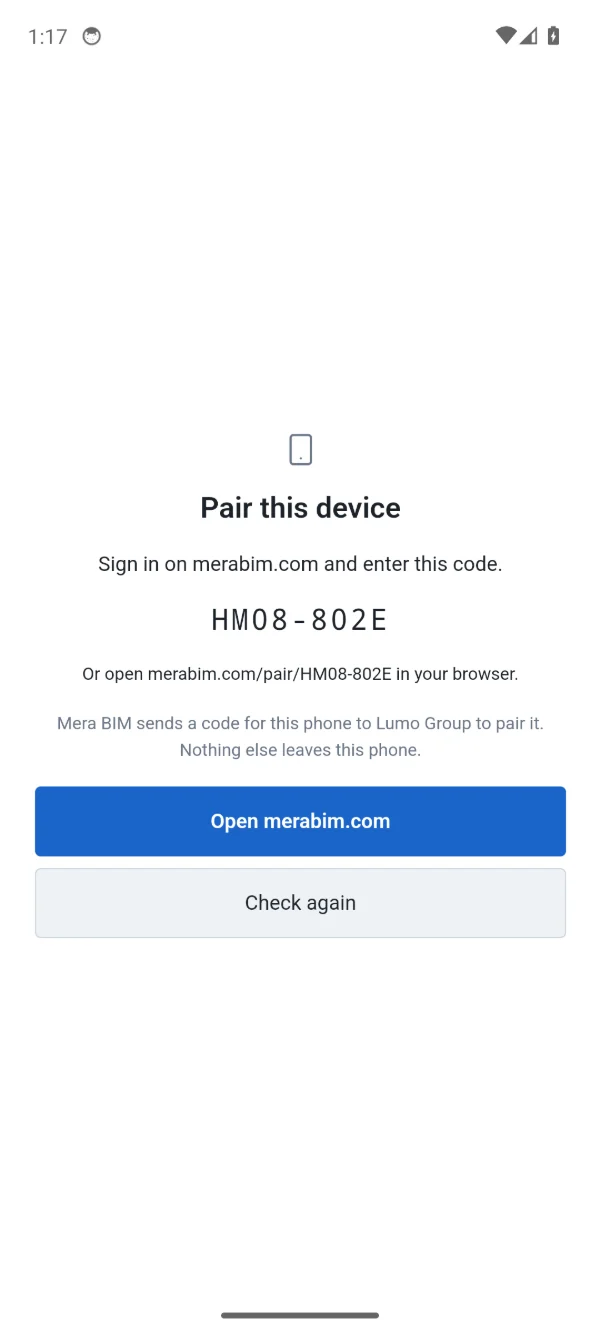
- Open Mera BIM on the device. It shows a code like ABCD-EFGH (eight letters and digits).
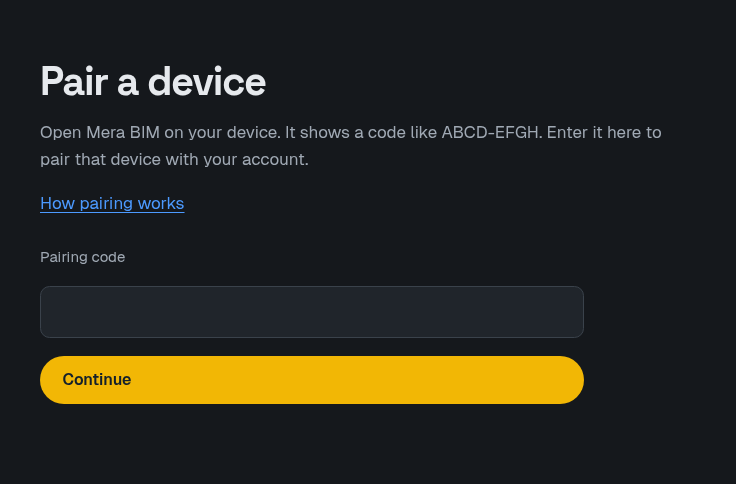
- On the website, sign in and open the pairing page. Enter the code, or open the link the app shows.
- Check the account and the team shown, then choose Pair this device. The page also shows how many devices the team has paired of its limit.
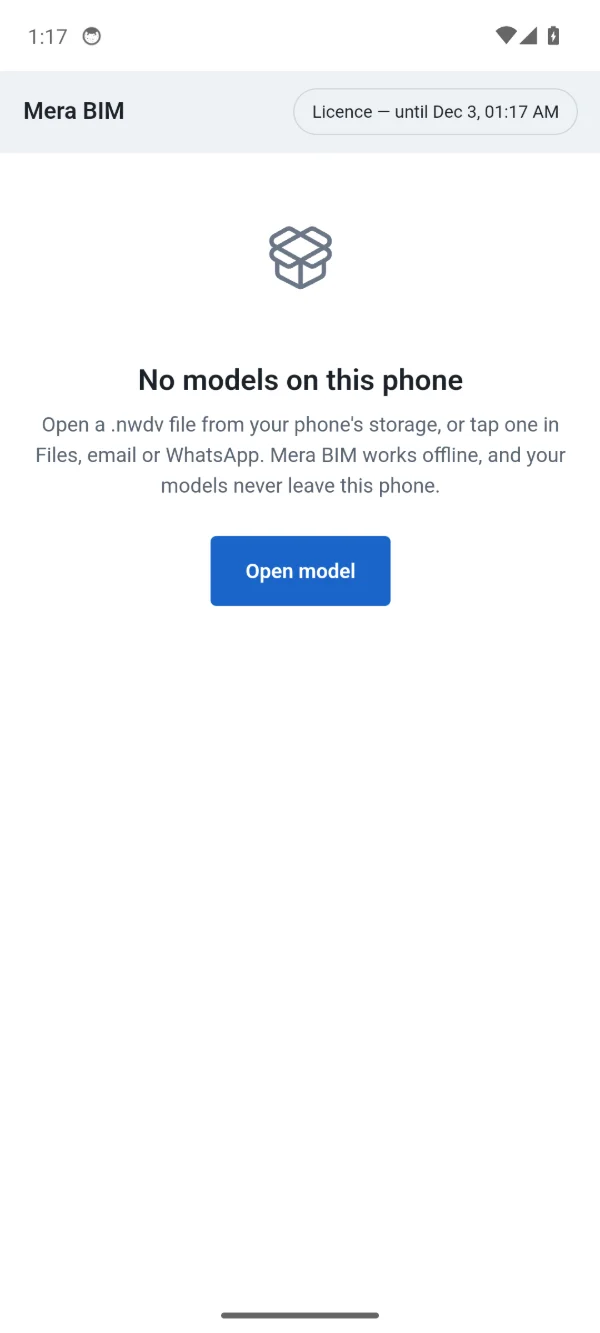
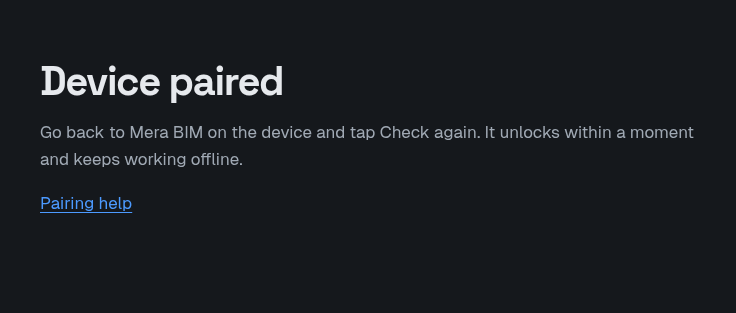
- Go back to Mera BIM on the device and tap Check again. It unlocks within a moment and keeps working offline.
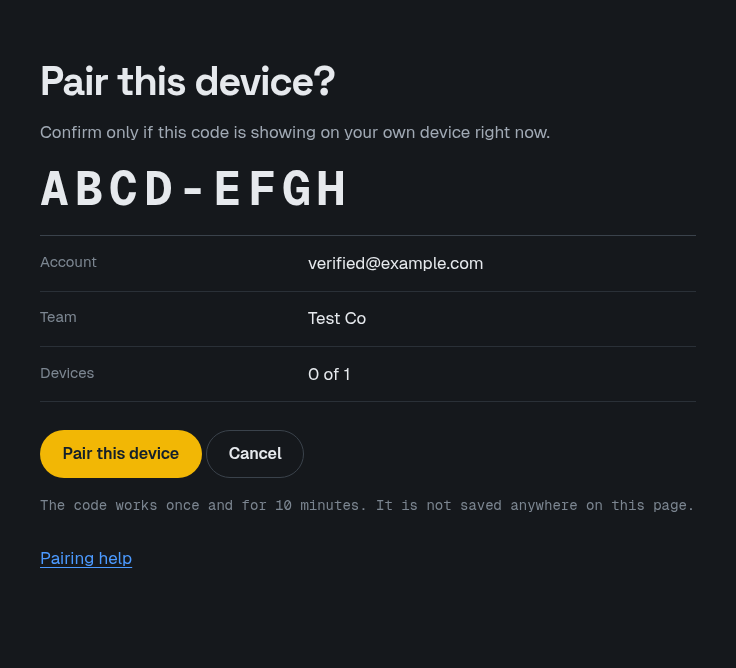
A code works once and for 10 minutes. If it has expired, open the app and get a new code.
If pairing is refused, the page says why. The messages you may see are listed under Troubleshooting.