Troubleshooting and FAQ
Expired code, a new phone, a lost device, a locked app.
New code
New phone
Lost device
Payment failed
My pairing code expired
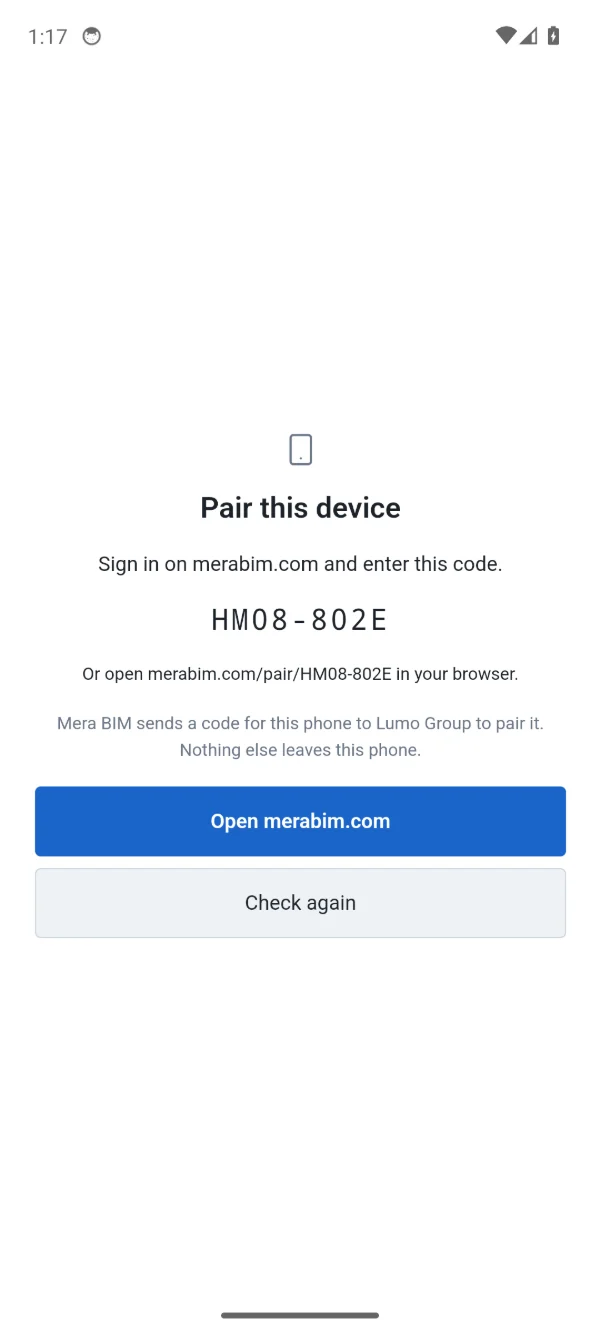
A code works once and for 10 minutes. Open Mera BIM on your device and get a new code, then open the page it shows or enter the new code here.
I have a new phone
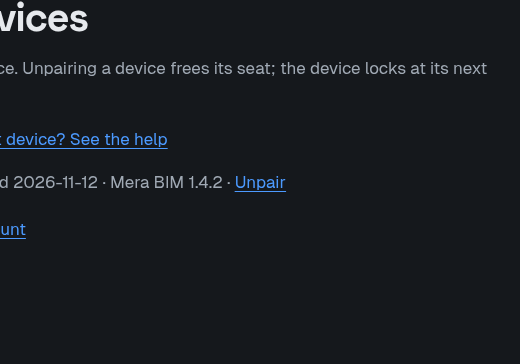
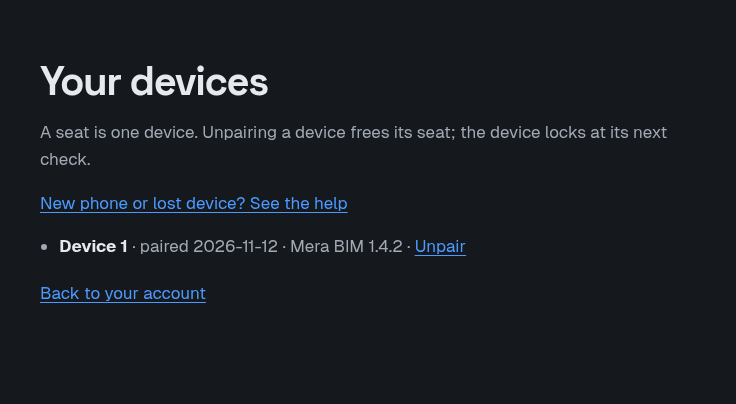
Unpair the old device on your devices page, then pair the new one. The old device locks at its next check, and its seat is free for another device.
I lost a device
Unpair it on your devices page. If it is someone else's device, the team admin can release the seat under Your team: the person keeps access until the end of the paid period, then the app locks on that device.
The app is locked after a failed payment
If a payment fails, the app keeps working until the end of the period already paid. There is no extra offline time after that period. The team admin updates the payment method with Update payment method on the account page.
A new subscription unlocks the app again.
A device was removed from my team
When a seat is released or a device is unpaired, that device is no longer licensed and locks at its next check or at the end of the paid period, as described above. Ask your team admin to invite you again if you still need a seat.
Pairing was refused
- No seat on your account yet. Your account does not hold a seat on an active Mera BIM team subscription. Ask your team admin to add you by e-mail address, or buy a team subscription yourself. Then open this page again; the code stays valid for 10 minutes.
- All your seats are in use. Every seat you hold already has a device. A seat is one device. Unpair a device you no longer use, or ask your team admin for another seat.
- You have reached the device maximum. One person can use only a limited number of devices, and you already use the maximum. Unpair a device you no longer use, then pair this one.
- This device is paired to another account. This device is already activated for a different Mera BIM account. Remove it there first (Unpair on that account's devices page), or use a different device.
- This code is no longer valid. A code works once and for 10 minutes. Open Mera BIM on your device and get a new code, then open the page it shows or enter the new code here.
Still stuck? Write to [email protected].