Install Mera BIM on Android
Download the app, allow the install, check the file.
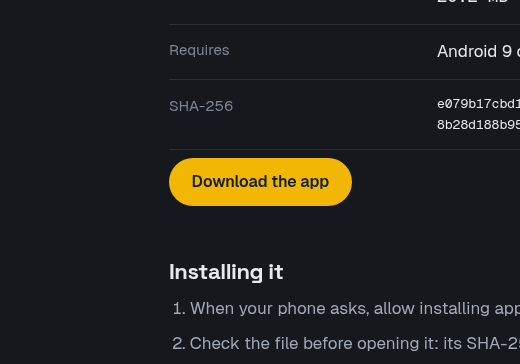
Download
Allow source
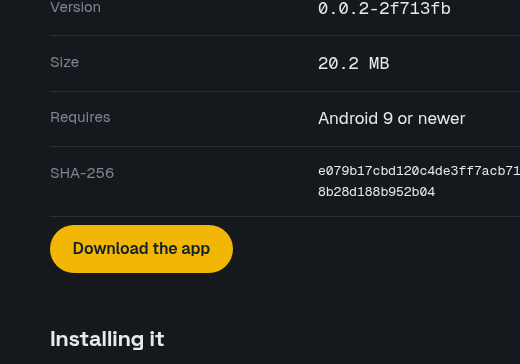
Check SHA-256
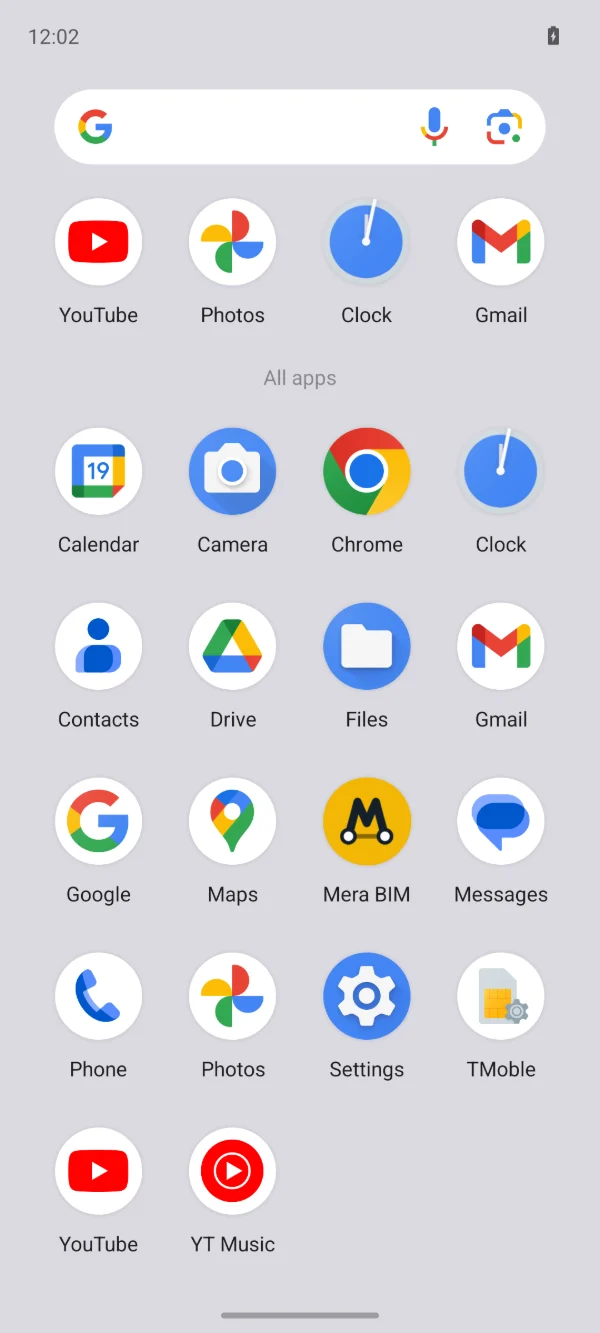
Open app
Mera BIM runs on Android phones and tablets, Android 9 or newer.
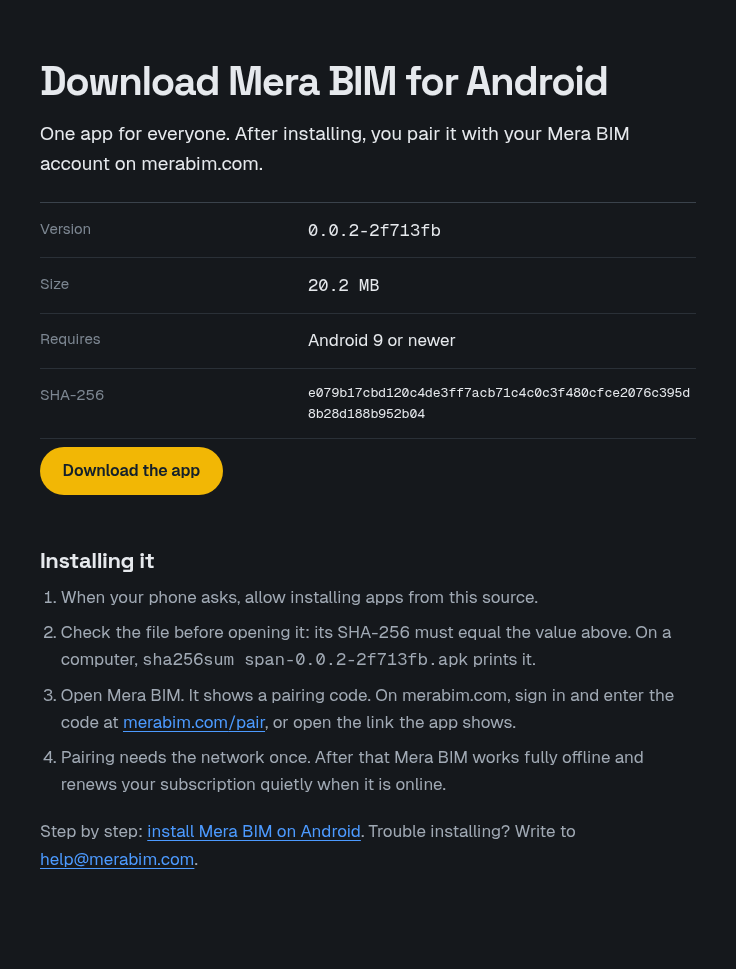
- Open the download page on the device and choose Download the app. It shows the version, the size and the file's SHA-256.
- When your phone asks, allow installing apps from this source.
- Check the file before you open it: its SHA-256 must equal the value on the download page. On a computer, sha256sum on the file prints it.
- Open Mera BIM. It shows a pairing code. Sign in on the website and enter the code on the pairing page, or open the link the app shows.
Pairing needs the network once. After that the app works fully offline and renews your subscription quietly when it is online.