Convert a Navisworks model
Upload an NWD, what a conversion is, and how to buy more.
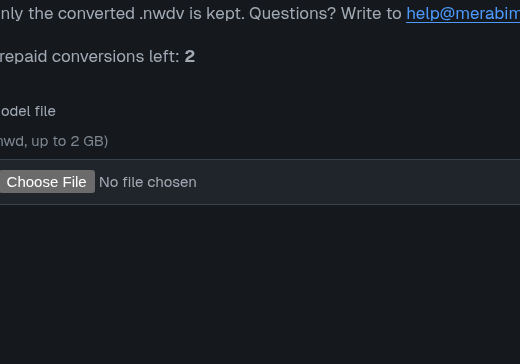
Choose file
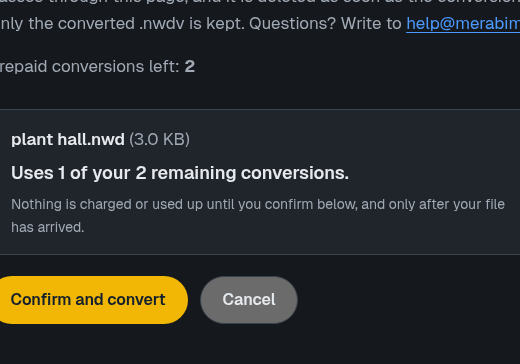
See cost
Confirm
Get model
Models are converted once by us, then open on your devices without a network. Conversion is for paying customers: sign in, then open the convert page.
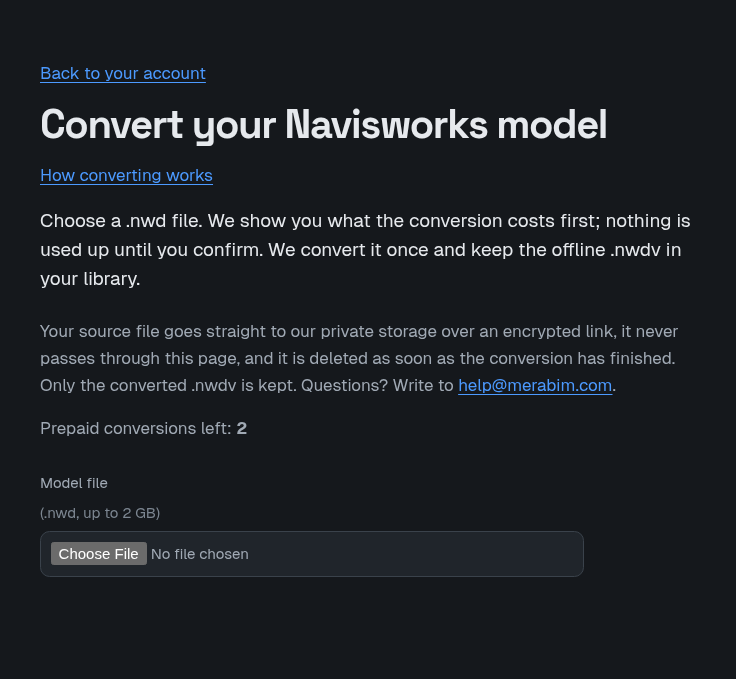
- Choose a .nwd file, up to 2 GB.
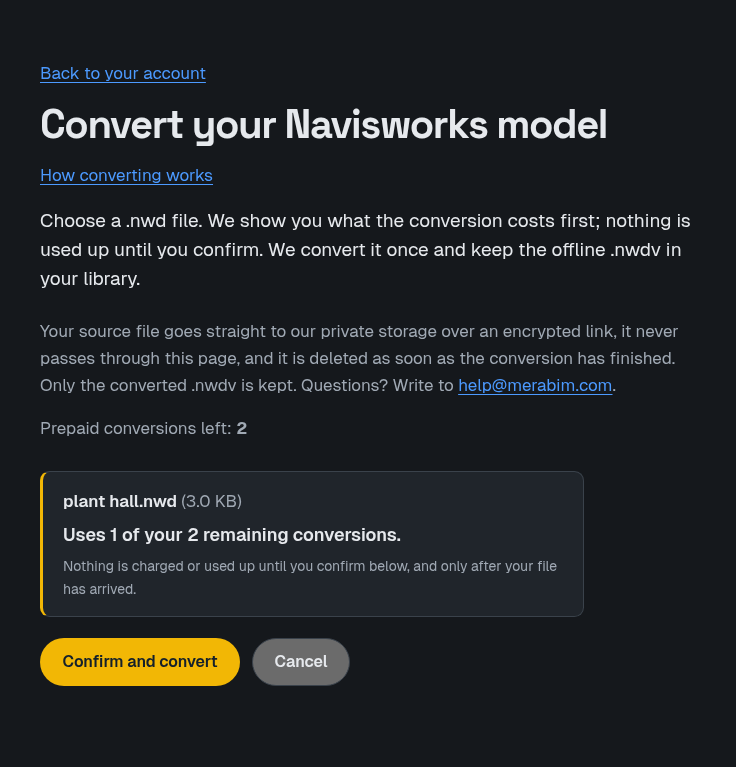
- The page shows what the conversion costs first. Nothing is used up until you confirm.
- Confirm. The file goes straight to our private storage over an encrypted link and never passes through the website. When the conversion has finished the source file is deleted; only the converted .nwdv is kept in your library.
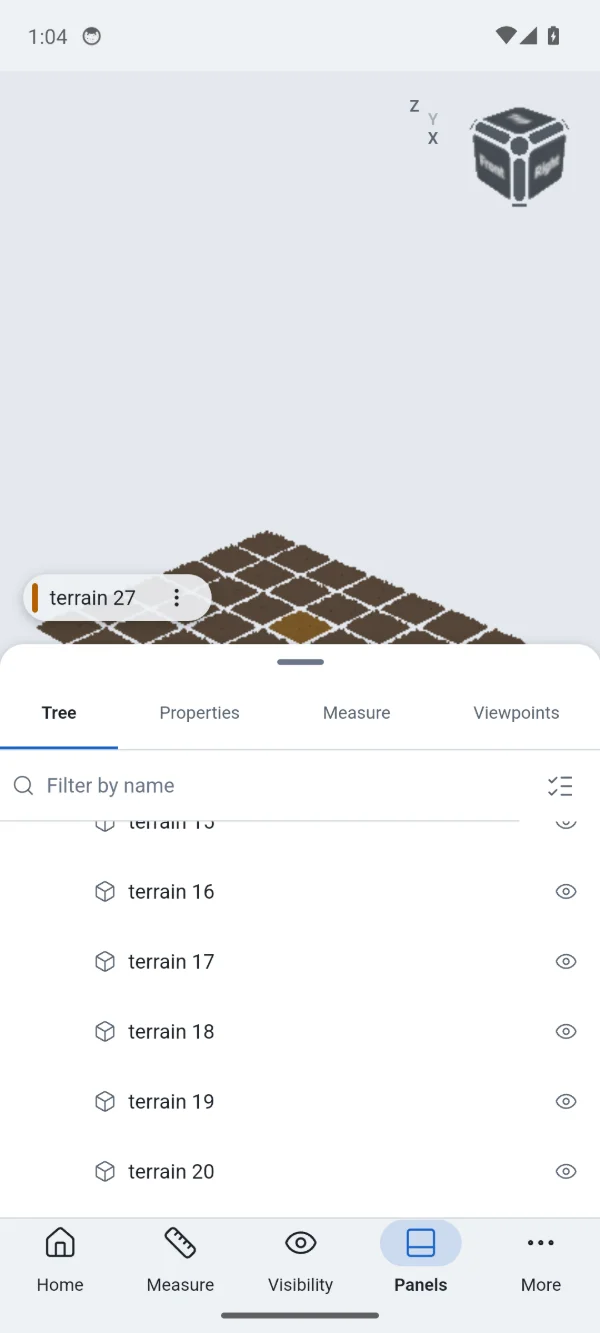
- Download the converted model from your library to your devices.
What one conversion is
Converting a model uses one conversion. The conversions of a team are shared by the whole team. A monthly allowance comes with the subscription and does not roll over; the team admin can add conversion packs. Converting the identical file again is free as long as the converted model is still in your team's library. If a conversion fails, the conversion it used is given back.
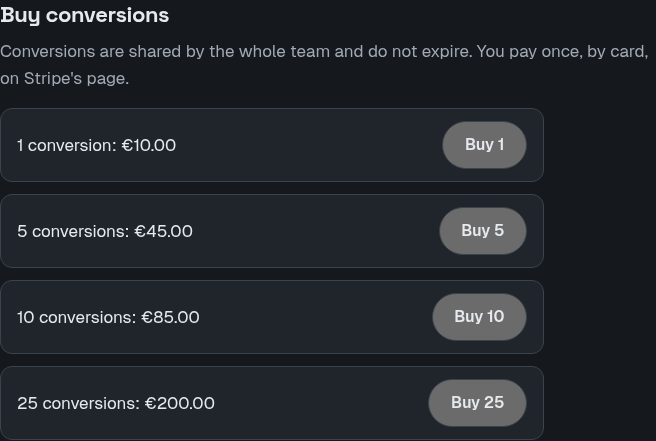
Buying packs
Conversions are shared by the whole team and do not expire. You pay once, by card, on Stripe's page. Open Your team and choose a pack under Buy conversions.